Gaming PC with AIO and custom water-cooled GPU by EK

AIR COOLING vs LIQUID COOLING FOR GAMING PCS (2026)

If you’re planning a new gaming PC or upgrading an existing one, choosing between air coolers, AIOs, and custom loops can quickly get complicated. They all promise better temperatures, quieter operation, and improved performance.

In reality, the right choice usually comes down to your hardware, your budget, and how much you care about performance versus aesthetics. A mid-range system doesn’t need the same cooling approach as a high-end build, and spending more isn’t always necessary.

This guide compares air cooling, AIO liquid cooling, and custom liquid cooling in a practical, beginner-friendly way — helping you choose the right solution without overcomplicating your build.
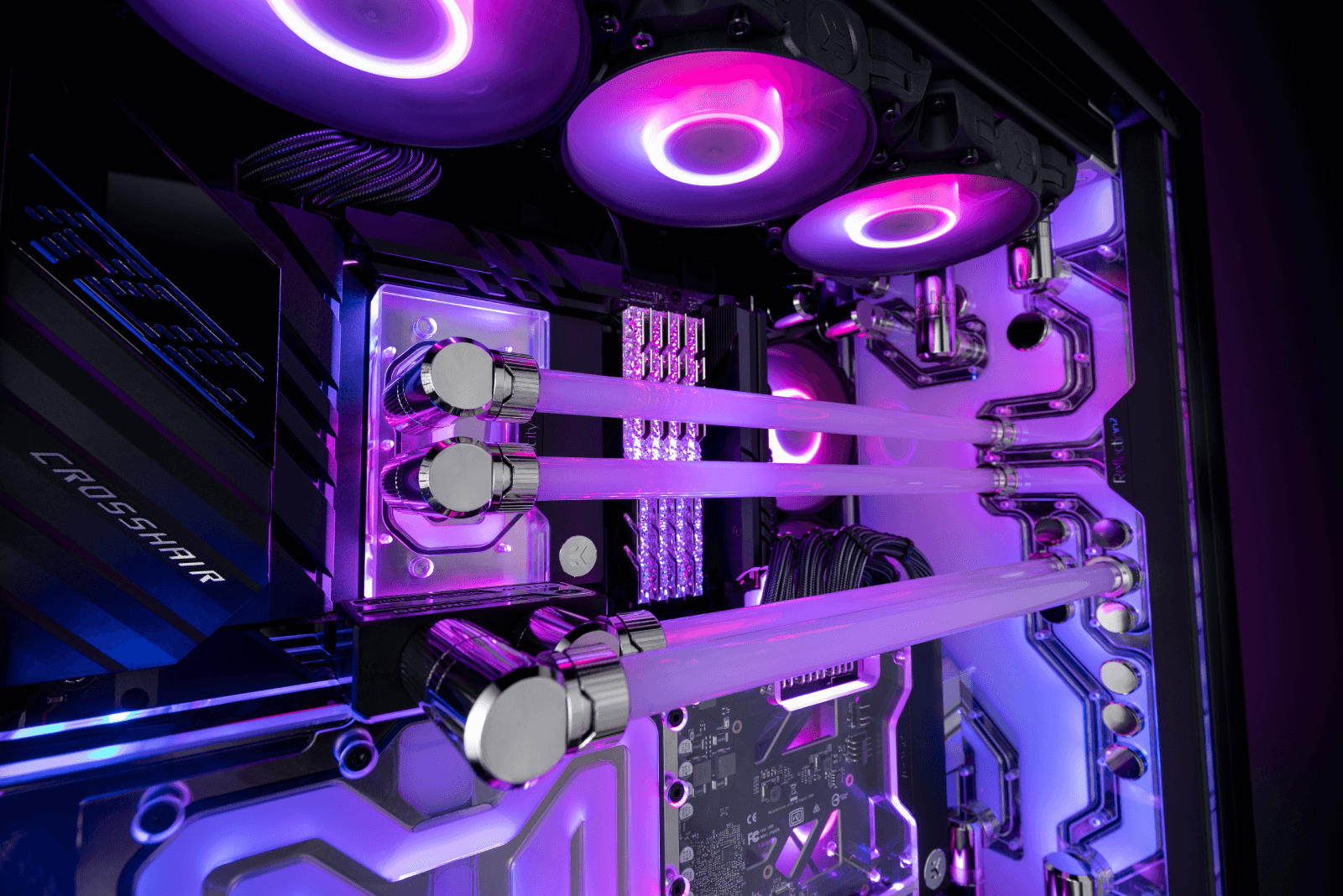
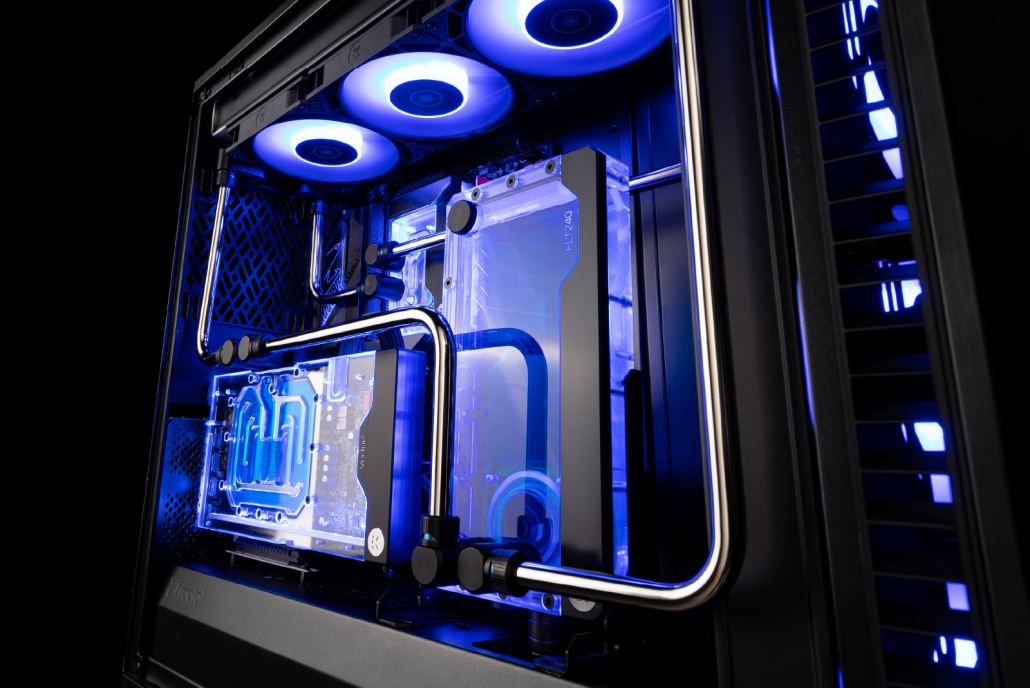
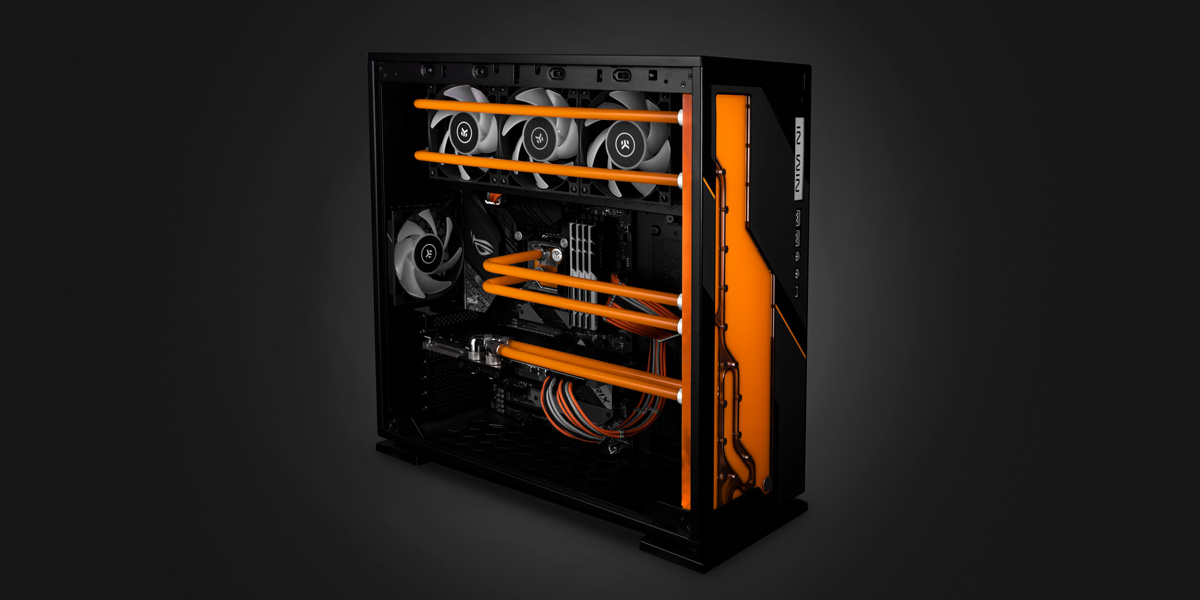
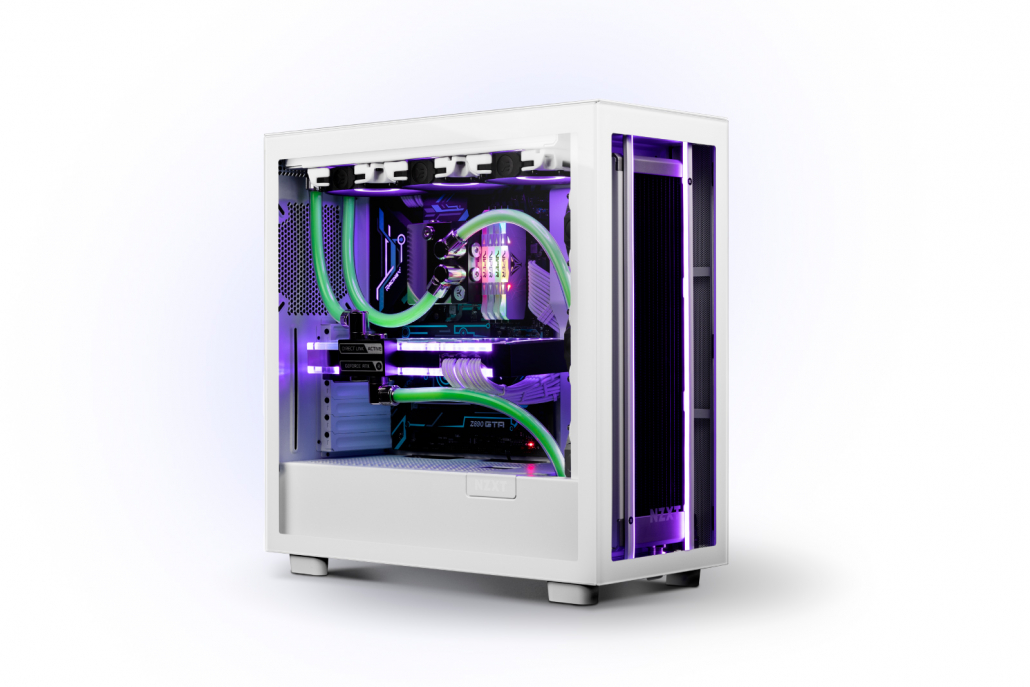
EK Custom Liquid-Cooled Gaming PC build in the PC-O11D XL


Gaming PC Cooling Options Explained

Modern gaming PCs are typically cooled using air cooling, AIO liquid cooling, or custom liquid cooling. Each approach is designed for different hardware levels, budgets, and priorities — from simple, affordable builds to high-end systems focused on quiet, sustained performance.

Understanding the differences makes it much easier to choose the right solution for your setup.


Quick Answer: Which Cooling Option Is Best?

Air cooling, AIO liquid cooling, and custom liquid cooling each suit different gaming PC builds.
Air cooling works best for budget or mid-range systems, AIOs offer improved CPU temperatures with minimal setup, and custom liquid cooling delivers the quietest operation and best sustained performance for high-end hardware.

The right choice depends on your components, budget, and whether you prioritize simplicity, noise reduction, or long-term flexibility.
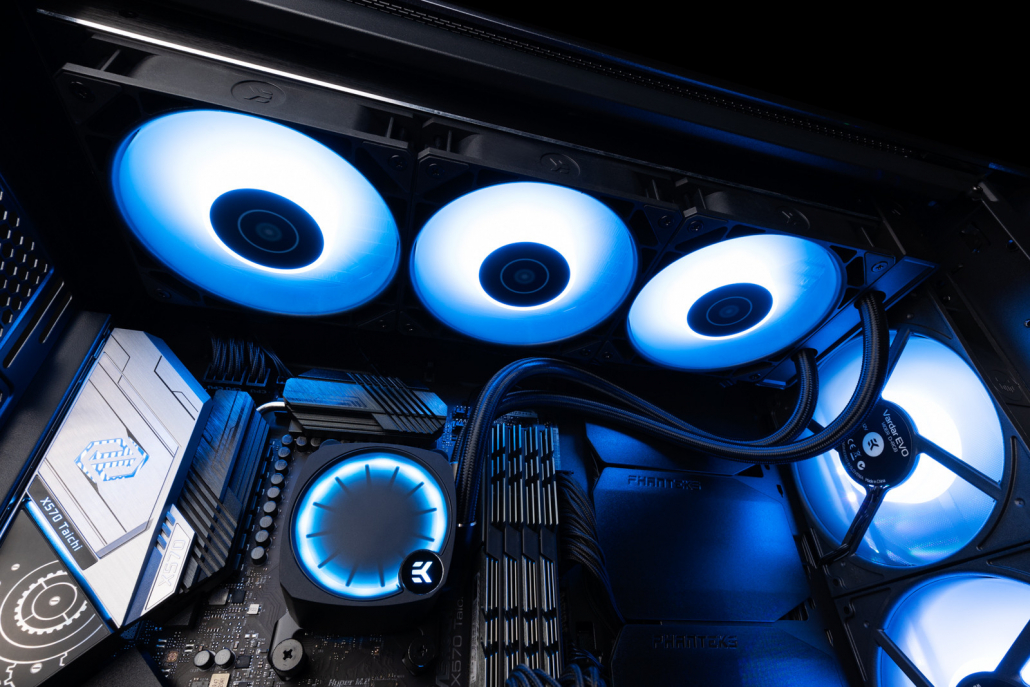

EK AIO installed inside a Gaming PC

Air Cooling vs AIO vs Custom Liquid Cooling: Key Differences

For most US gaming PC builds, the differences between air cooling, AIOs, and custom liquid cooling show up quickly in everyday use. In typical mid-tower ATX cases — by far the most common setup in the US — airflow and fan noise usually become noticeable long before temperatures reach unsafe levels.

Air cooling is reliable and cost-effective, but gets louder as hardware power increases. AIO liquid coolers improve CPU temperatures with minimal setup, but remain CPU-only and fixed in performance. Custom liquid cooling goes further, focusing on sustained performance, lower noise, and flexibility — especially for high-end systems that spend hours under gaming load.
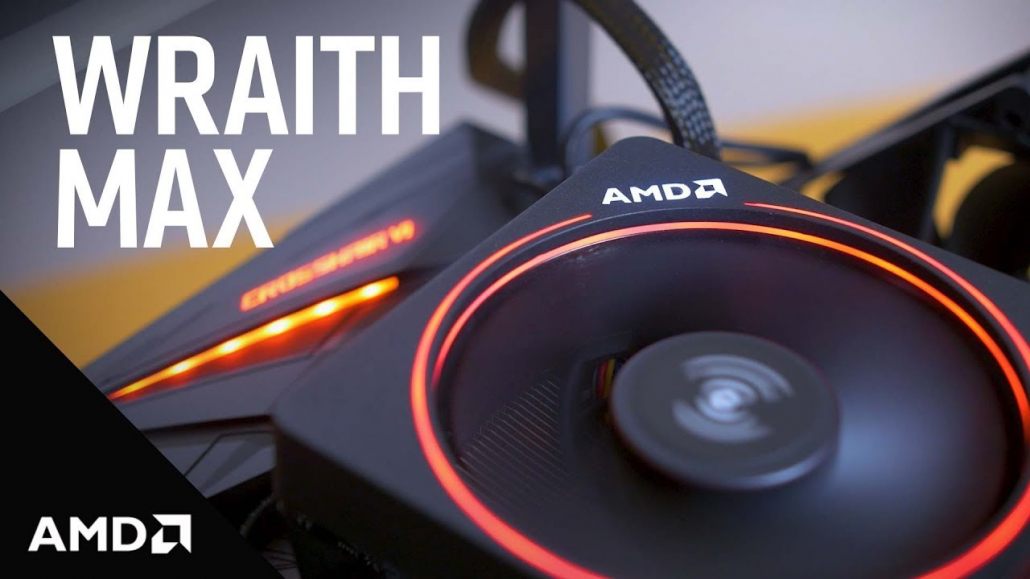

AIR-COOLED GAMING PC

Air Cooling: Fine for Simpler Builds

Air cooling remains a solid option for budget and mid-range gaming PCs. It’s affordable, reliable, and easy to install, making it a good fit for CPUs running at stock settings.

As power draw increases, fans tend to ramp up quickly and temperature gains flatten out. There’s also no way to address GPU noise, which is often the loudest part of a gaming PC.

For many builders, air cooling works — until it doesn’t.


AIO Liquid Cooling: Better, but Fixed

AIO liquid coolers are a common step up from air cooling. By moving heat to a radiator mounted elsewhere in the case, they usually deliver better peak CPU temperatures and a cleaner internal layout.

Installation is straightforward, and ongoing maintenance is minimal.

The trade-off is flexibility. AIOs are sealed, CPU-only systems with fixed radiator sizes and small integrated pumps. During longer gaming sessions, performance tends to level off, and there’s no upgrade path beyond full replacement.

We regularly see builders start with air cooling or an AIO, then look for alternatives once GPU noise or sustained temperatures become limiting factors.

This is typically where custom liquid cooling enters the conversation.
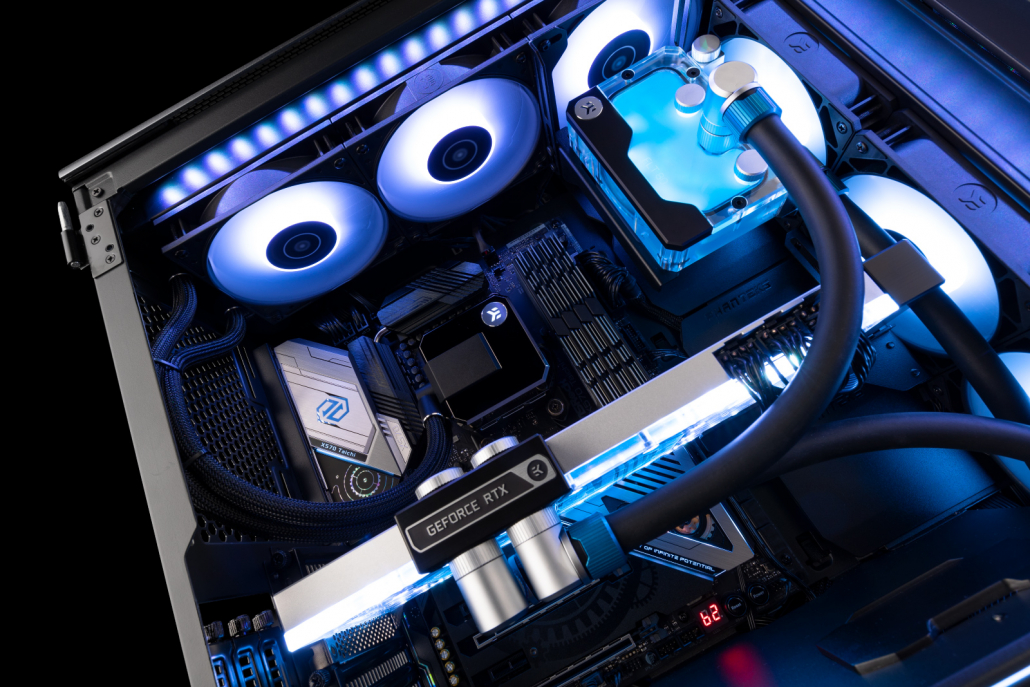

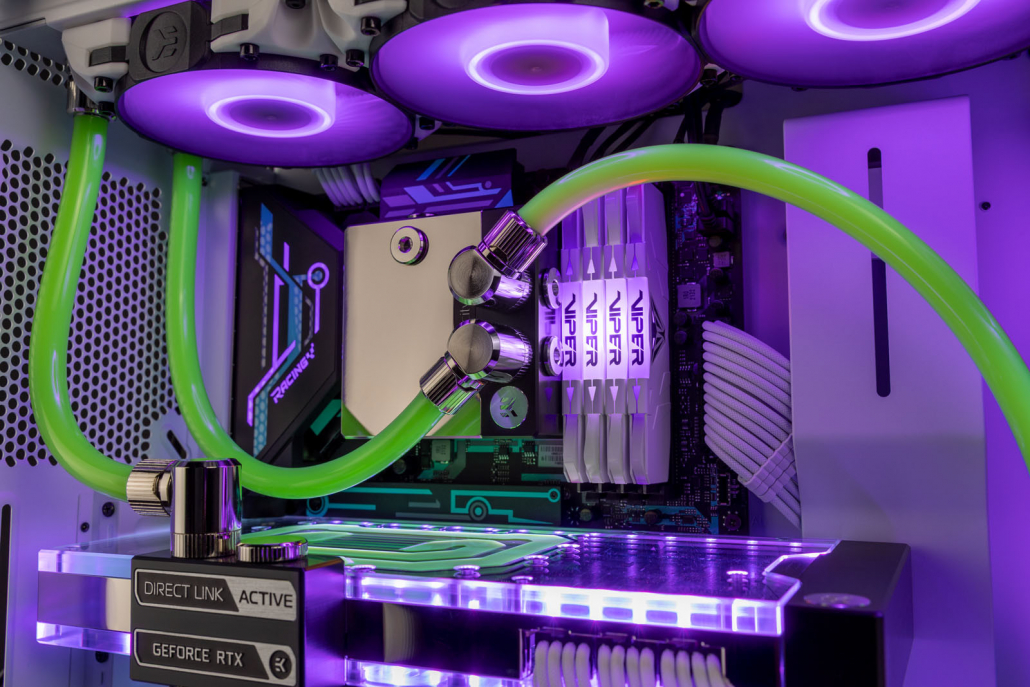
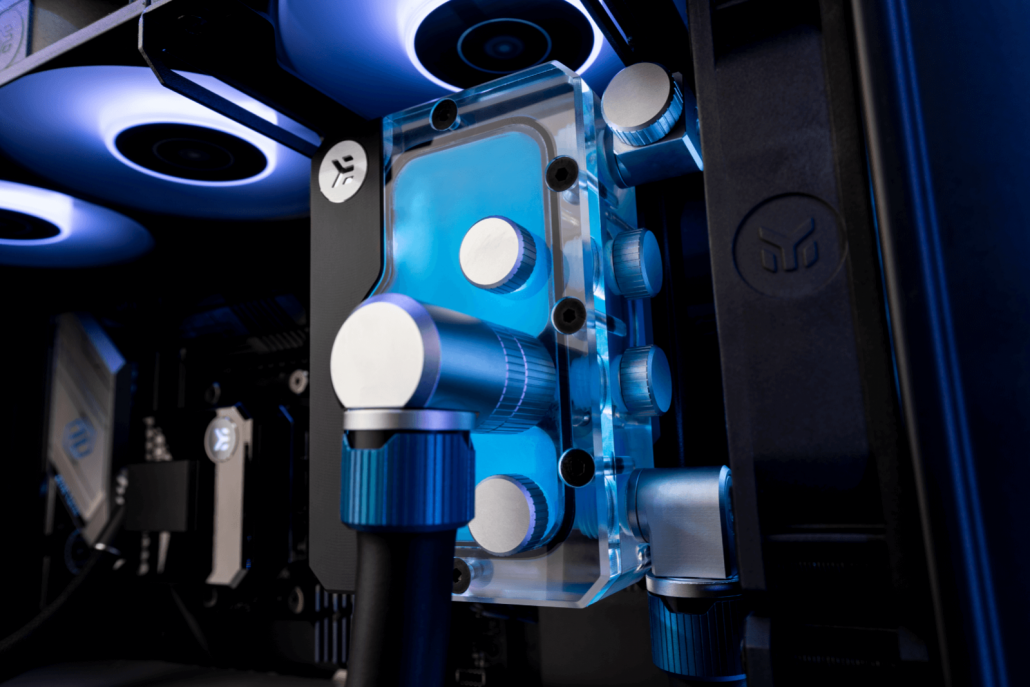
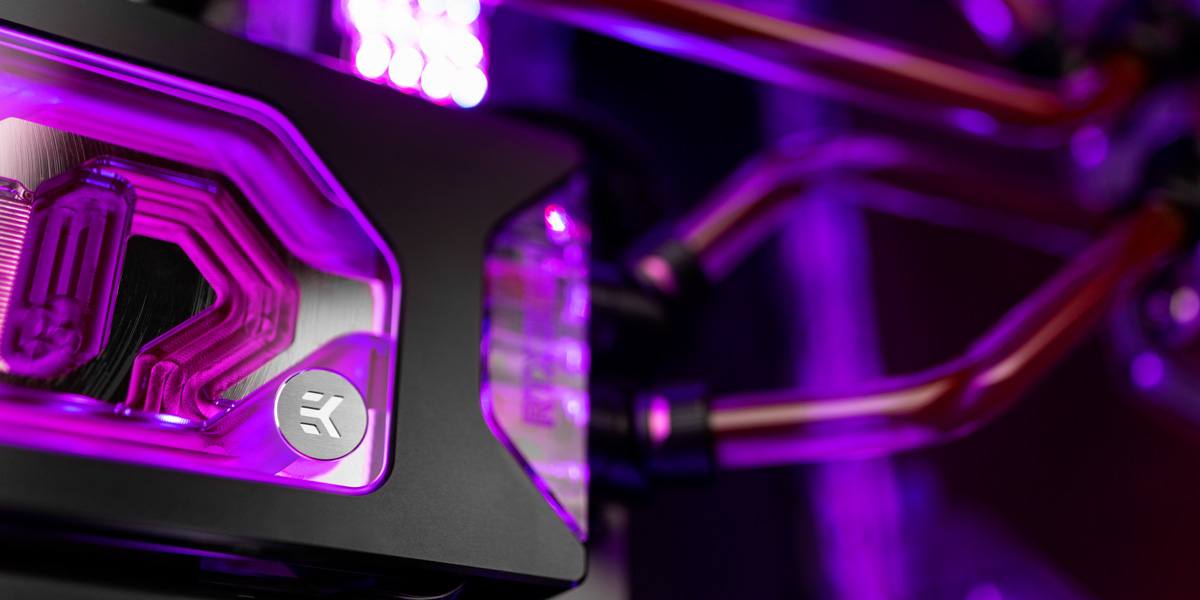
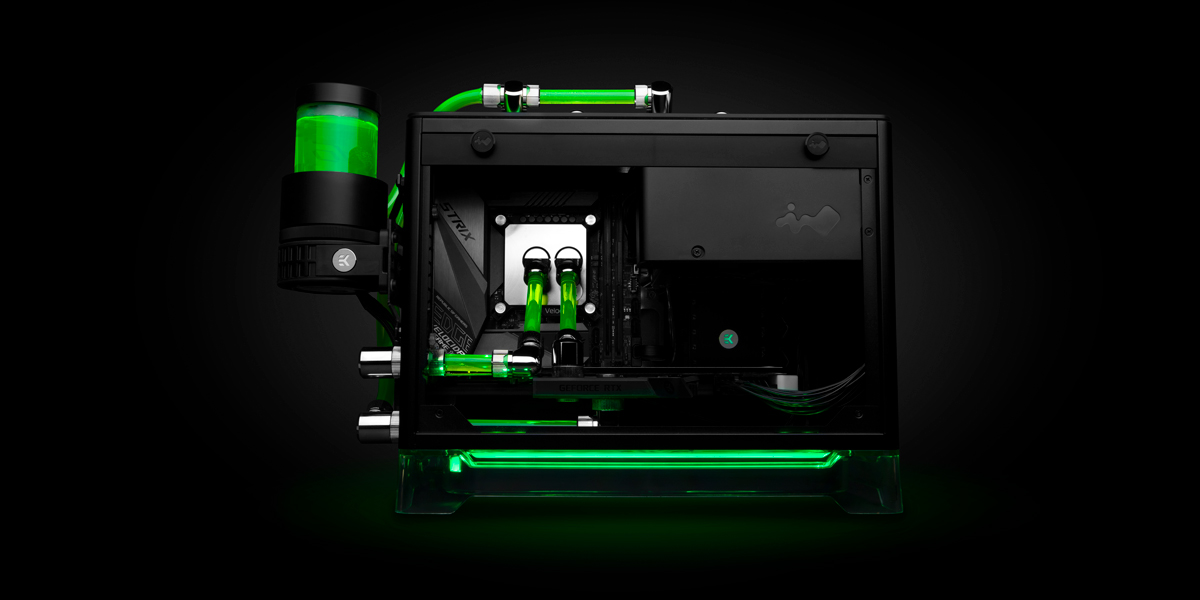
Gaming PC with AIO and custom water-cooled GPU by EK

Custom Liquid Cooling: Built to Scale

Custom liquid cooling removes the constraints of sealed designs. Instead of relying on a single unit, you build a loop from individual components — water blocks, a dedicated pump and reservoir, radiators, tubing, and coolant — chosen to match your hardware and goals.

The biggest advantage is how well custom loops handle sustained performance. Larger radiators dissipate heat more efficiently, higher coolant volume helps stabilize temperatures, and full-size pumps maintain consistent flow without running loudly.

In practice, custom loops shine during longer gaming sessions, where temperatures and noise remain stable instead of ramping up over time.

Custom loops also extend cooling beyond the CPU. Adding a GPU water block removes small, high-RPM fans entirely, which is why fully liquid-cooled systems are often dramatically quieter than air- or AIO-cooled builds.

Brands like EK design custom cooling components specifically for sustained gaming loads, not just short benchmark runs.

Custom liquid cooling removes the constraints of sealed designs. Instead of relying on a single unit, you build a loop from individual components — water blocks, a dedicated pump and reservoir, radiators, tubing, and coolant. (If you’re new to the concept, our beginner guide explains what custom liquid cooling is and how it works.)


Not as Complicated as It Sounds

Custom liquid cooling has a reputation for being difficult, but modern components make it far more approachable than many first-time builders expect.

Soft tubing installs very similarly to an AIO, and starting with a simple CPU-only loop keeps complexity low.

Just as importantly, custom loops are modular. Pumps, radiators, and fittings can be reused as hardware changes, making a custom loop a long-term system rather than a disposable upgrade.


Is Custom Liquid Cooling Right for You?

Custom liquid cooling starts to make sense if:

  • You’re running high-end CPU or GPU hardware

  • Your PC is louder than you’d like during gaming

  • You care about clean aesthetics and customization

  • You want a cooling setup that can grow with future upgrades

If none of these apply, air cooling or an AIO may still be the right choice — and that’s perfectly fine.


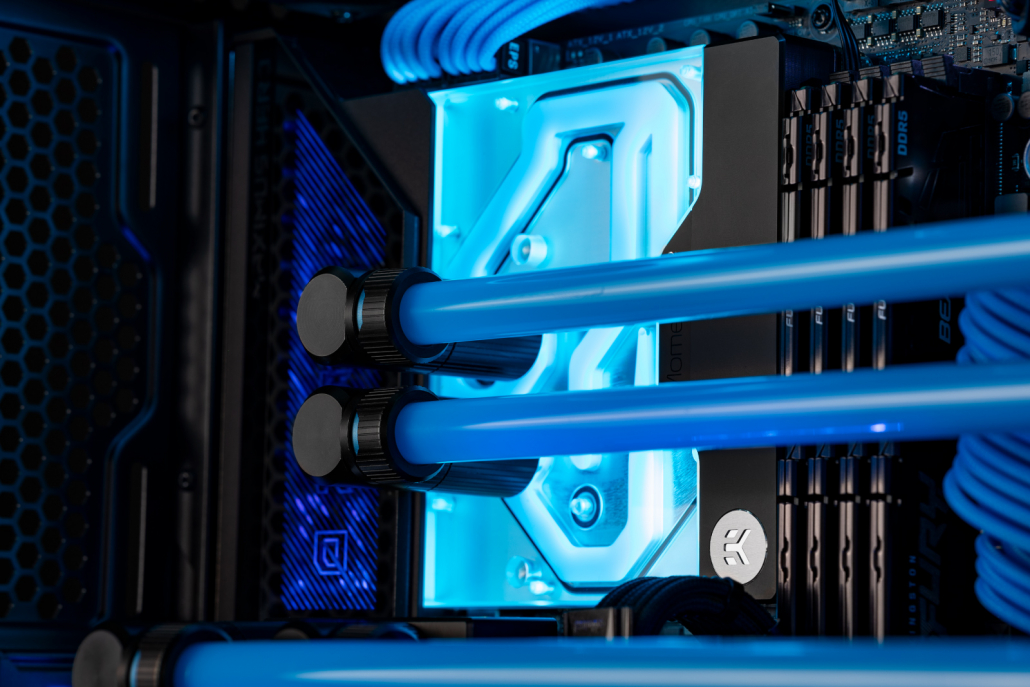
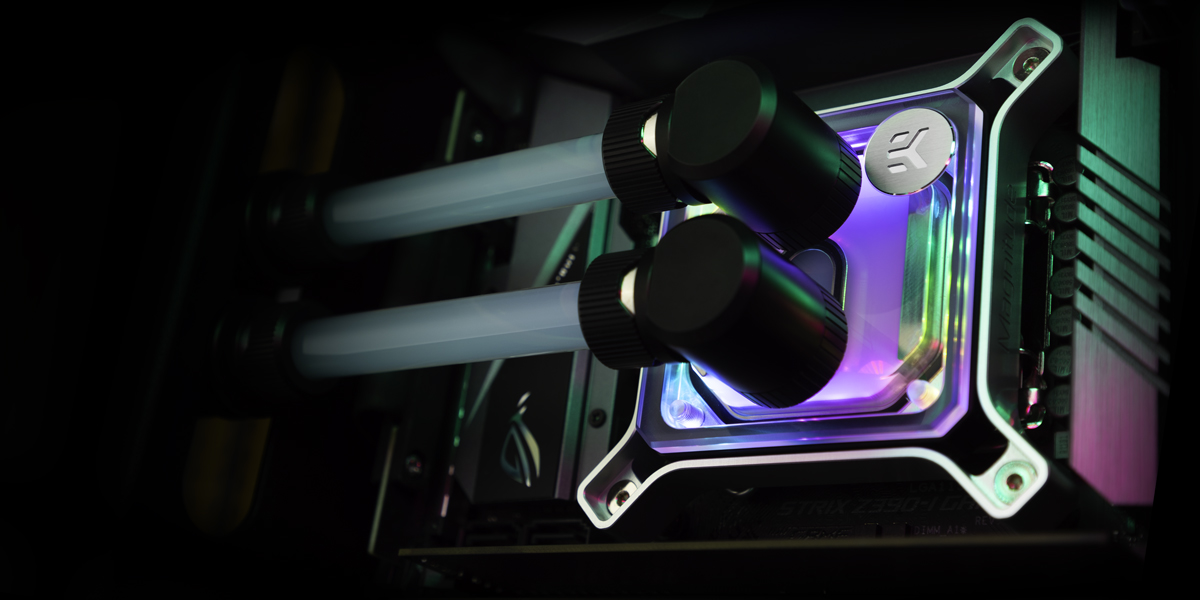
A CPU custom-loop built on a motherboard, to showcase a complete CPU custom loop.

FAQ: Gaming PC Cooling in 2026

Is air cooling enough for gaming PCs?

Yes. Air cooling is sufficient for many gaming PCs, especially mid-range systems running at stock settings. It’s reliable and affordable, but can become noisy or less effective with higher-end hardware.

Is an AIO better than air cooling?

An AIO typically offers better peak CPU temperatures and a cleaner internal layout than air cooling. However, AIOs are still limited to CPU cooling and have fixed performance ceilings.

Is custom liquid cooling worth it for gaming?

Custom liquid cooling is worth it for gamers using high-end CPUs or GPUs, or for anyone who wants quieter operation and consistent performance during long gaming sessions.

Is custom liquid cooling hard for beginners?

Not necessarily. Starting with a CPU-only loop using soft tubing installs similarly to an AIO and can be expanded later as confidence grows.

Can you upgrade from an AIO to custom liquid cooling?

Yes. Many builders start with an AIO and later move to custom liquid cooling when upgrading hardware or looking for quieter operation. Core components can often be reused.


Want a Simple Starting Point?

If you’re curious about custom liquid cooling but want to keep things simple, a CPU-only loop is the easiest place to start. It installs much like an AIO, keeps costs under control, and leaves plenty of room to upgrade later.

Our $500 beginner custom liquid cooling guide shows exactly how to build a first loop using reliable EK components — step by step, without overcomplicating things.

Final Thoughts

Air cooling and AIOs both have a place in modern gaming PCs, especially for simpler builds. But as hardware power continues to rise, custom liquid cooling offers a level of control that sealed solutions can’t match.

You don’t need to start big. A basic CPU-only custom loop is often the easiest way to experience quieter gaming, stable performance, and a system that’s ready to evolve when you are.
clean-custom-loop-gaming-pc-build.jpg

What Is Custom Liquid Cooling for Gaming PCs? A Beginner’s Guide

Custom liquid cooling looks intimidating but for many gaming PC builders, it’s actually one of the most satisfying upgrades you can make. It’s quieter than air cooling, keeps high-end hardware running cooler, and transforms your PC into a true centerpiece of your setup.

At its core, custom liquid cooling is simply a way of keeping your gaming PC cool by using liquid instead of large air coolers and fans. Unlike all-in-one (AIO) liquid coolers, which come pre-assembled, a custom loop lets you choose and connect each part yourself. While that might sound complicated, it’s much easier than most people expect — and this guide walks you through the basics step by step.

Ready to skip straight to the parts list? If you want the simplest, beginner-friendly way to get started, we’ve put together a complete first custom loop kit you can build for under $500, using EK components and soft tubing.

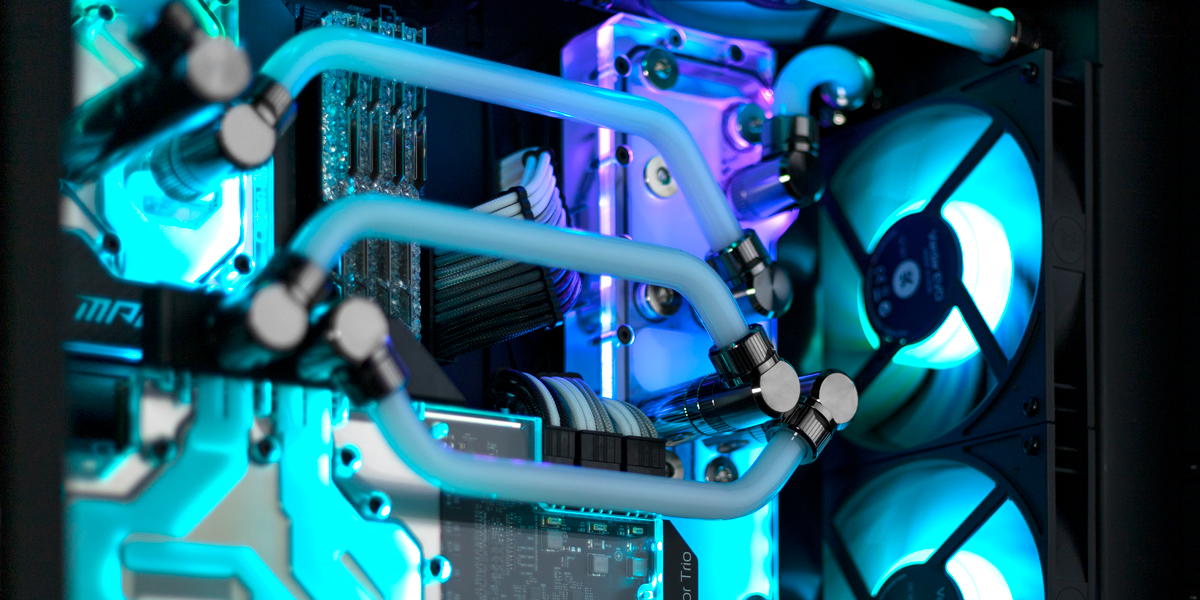
Custom liquid-cooled gaming PC with soft tubing and a full CPU and GPU loop

Quick Start: What You Need for a First Custom Loop

Don’t worry — this guide explains each part in detail below.

How Does Custom Liquid Cooling Work?

Just like an AIO, a custom-loop is made up of three main components.

CPU & GPU Water Blocks

A CPU Water Block installed in a Gaming PC

Water blocks keep your CPU and GPU cool by running liquid coolant directly over the areas that generate heat. CPU blocks are easily installed, with mounting systems almost identical to AIO, making installation straightforward even for first-time users.

Pump & Reservouir Combo Unit

This may sound complicated, but it’s just an acrylic reservoir that holds your coolant, combined with a pump that moves the liquid around the loop. In an AIO, the pump is built into the CPU block. In a custom loop, using a larger pump and more coolant helps deliver lower temperatures and quieter operation.

Radiator

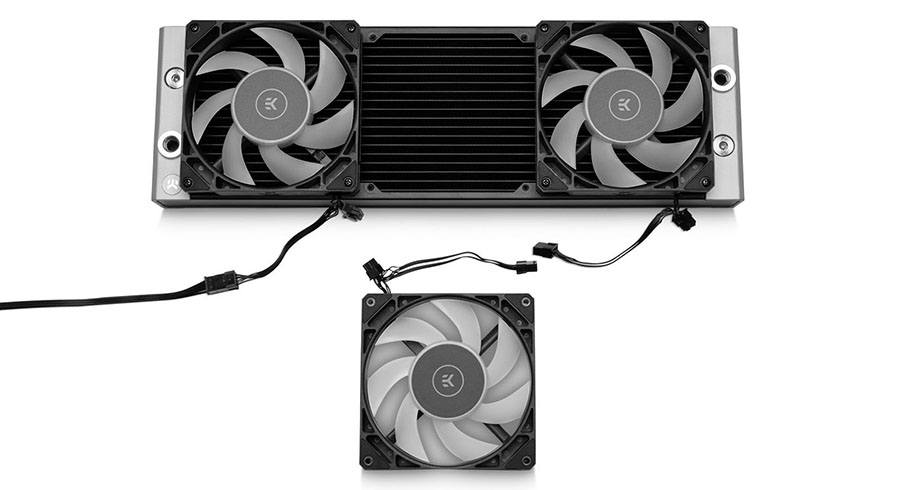
An EK-Quantum Surface Radiator with fans installed, ready to go in a Gaming PC.

The radiator is how your custom loop removes heat from your gaming PC. Fans push cool air through the radiator, pulling heat out of the coolant and exhausting warm air from the case. The more radiator space you have, the cooler your CPU and GPU can run.

Why Do Gamers Choose Custom Liquid Cooling?

Gamers choose custom liquid cooling when they want more control over performance, noise, and appearance.

  • Lower temperatures for high-end CPUs and GPUs can mean more consistent performance and longer component lifespan
  • Less background noise, thanks to fewer fans running at lower speeds
  • Quieter GPUs, as small GPU fans are often the loudest part of a system and are eliminated with a GPU water block
  • Premium aesthetics, with clean tubing runs and customizable coolant and lighting

Is Custom Liquid Cooling Safe for Beginners?

Custom loop Gaming PC with a liquid-cooled CPU

Build this CPU custom-loop for under $500.

If you’re new to liquid cooling, it’s normal to feel unsure at first — but a custom loop can be as simple or as visually striking as you want. The easiest way to get started is with soft tubing, which installs very similarly to an AIO.

Soft tube compression fittings may sound complicated, but they’re actually very simple. Think garden hose: push to connect, then screw it tight.

Here’s how it works:

  1. Screw the fitting into your CPU block, GPU block, or radiator
  2. Unscrew the collar (this tightens the tube later)
  3. Slide the collar onto the soft tube
  4. Push the soft tube onto the fitting until it’s fully seated
  5. Tighten the collar by hand — no tools required

That’s it. Once you get over the fear of connecting the fittings, everything else becomes much easier. Hard tubing can come later — one of the biggest advantages of a custom loop is that it’s fully upgradeable. Start simple and improve it over time.

What kit do I need to build a custom-loop and how much does it cost? 

A CPU cstuom-loop built on a motherboard, to showcase a complete CPU custom loop.

Don’t worry — you don’t need everything at once. This section covers the simplest, most beginner-friendly starting point, and you can always upgrade or expand your loop later.

When building your first custom loop, it’s best to keep things simple. A basic CPU-only custom loop can be built for under $500, making it a realistic starting point for most gaming PC builds.

If you’d rather start with a pre-selected, beginner-friendly configuration, you can also check out our recommended custom loop kit under $500, which includes everything you need to get started.

CPU Water Block 

Whether you’re using Intel or AMD, a CPU water block is essential. A CPU water block like the EK-Quantum Velocity³ supports current platforms and keeps installation straightforward for beginners.

Radiator 

Just like AIOs, custom loops use standard radiator sizes such as 120 mm, 240 mm, and 360 mm. Most ATX cases support a 360 mm radiator, which is an excellent choice for a first custom loop.

The EK-Quantum Surface P360M is a great all-rounder thanks to its performance and broad compatibility, making it an ideal choice for beginners.

Pump & Reservoir Combo Unit

As covered earlier, the pump & reservoir combo unit holds coolant and keeps it circulating through your custom loop.

For a first build, the EK-Quantum Kinetic³ FLT D5 is a great choice. It can be mounted to a 120 mm fan position or directly to a radiator, making it compatible with most ATX cases. The D5 pump also provides plenty of headroom for future upgrades.

Soft-Tubing &  EK Torque STC Fittings (Soft Tube Compression) 

clean-custom-loop-gaming-pc-build.jpg

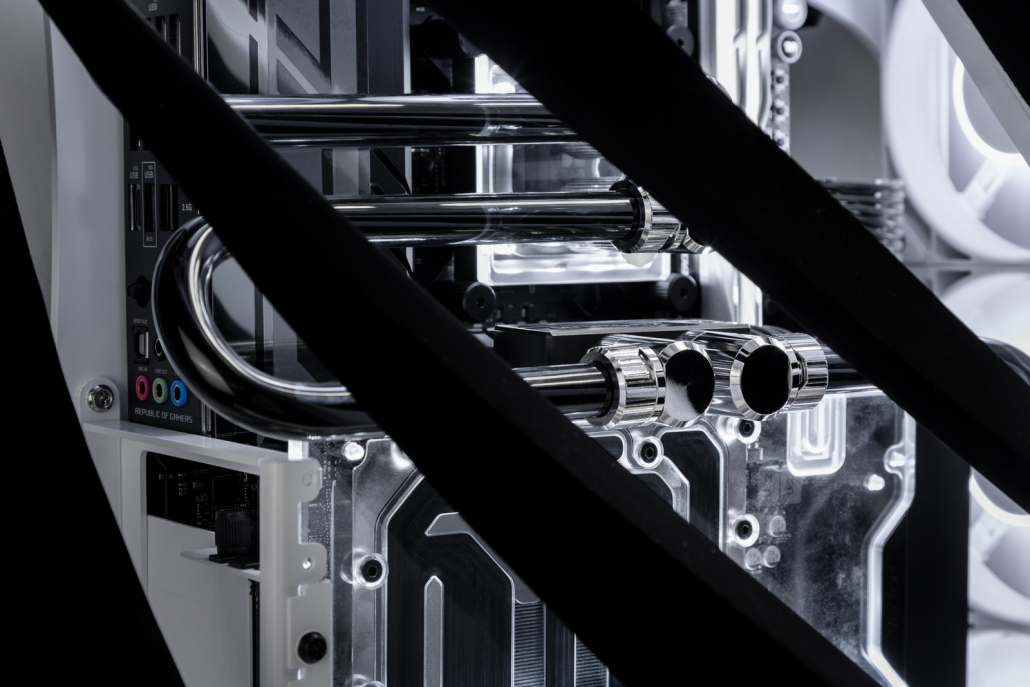
Soft tubing with compression and rotary fittings installed in a custom liquid-cooled gaming PC.

Once you have the main components, all that’s left is connecting everything together.

For beginners, EK-Loop Soft Tube 12/16 mm is a great all-round choice — flexible, easy to work with, and widely supported.

You’ll also need EK-Quantum Torque STC 12/16 mm compression fittings. For a simple CPU-only loop, you’ll need:

  • 2 fittings for the CPU block
  • 2 fittings for the radiator
  • 2 fittings for the pump & reservoir combo

90 Degree Rotary Fittings 

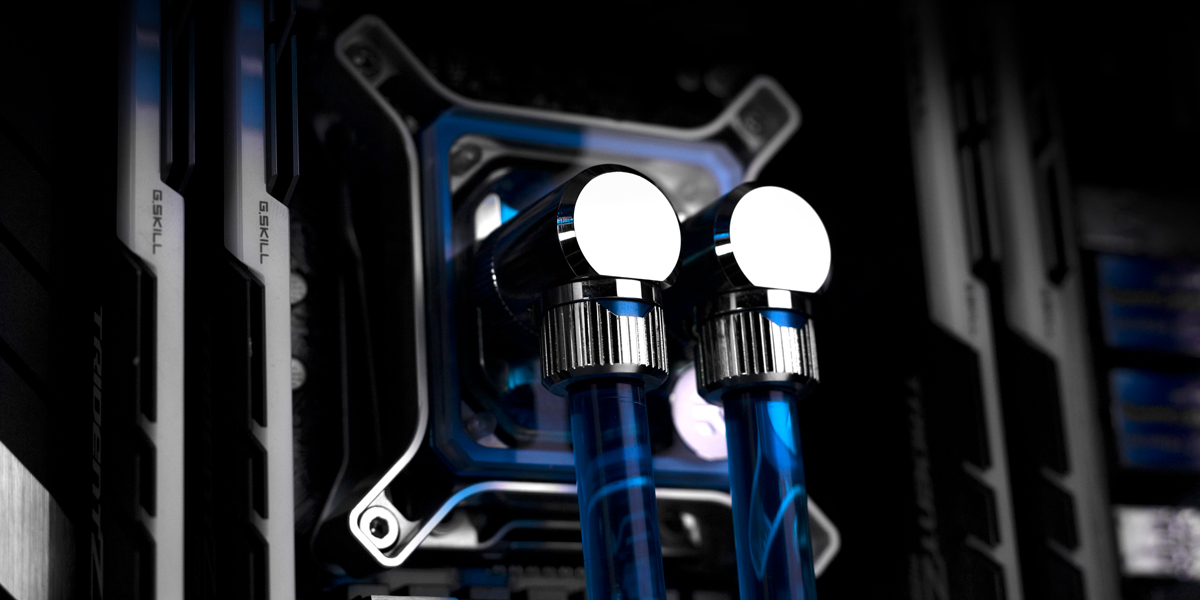
90-degree rotary fittings make soft tubing runs cleaner and easier to route, especially for first-time custom loops.

When building your first soft-tube loop, we recommend adding a few 90-degree rotary fittings. They aren’t required, but they make tube routing much cleaner.

These fittings screw into your compression fittings and allow tubing to exit components at a clean angle, with built-in rotation for an ultra-clean finish.

We recommend starting with 2 x EK-Quantum Torque Rotary 90°

Choosing Your Coolant – Customize Your Custom-Loop 

Black Clear premixed coolant flowing through a custom liquid-cooled gaming PC

EK-CryoFuel Space Black clear coolant inside a custom-loop gaming PC.

This is the fun part — and also where beginners tend to overthink things — so keeping it simple is the best approach for your first custom loop.

A clear premixed coolant is the safest option for beginners. It contains distilled water, dye, and additives to help prevent corrosion. Don’t forget a fill bottle, it makes filling and bleeding your loop much easier.

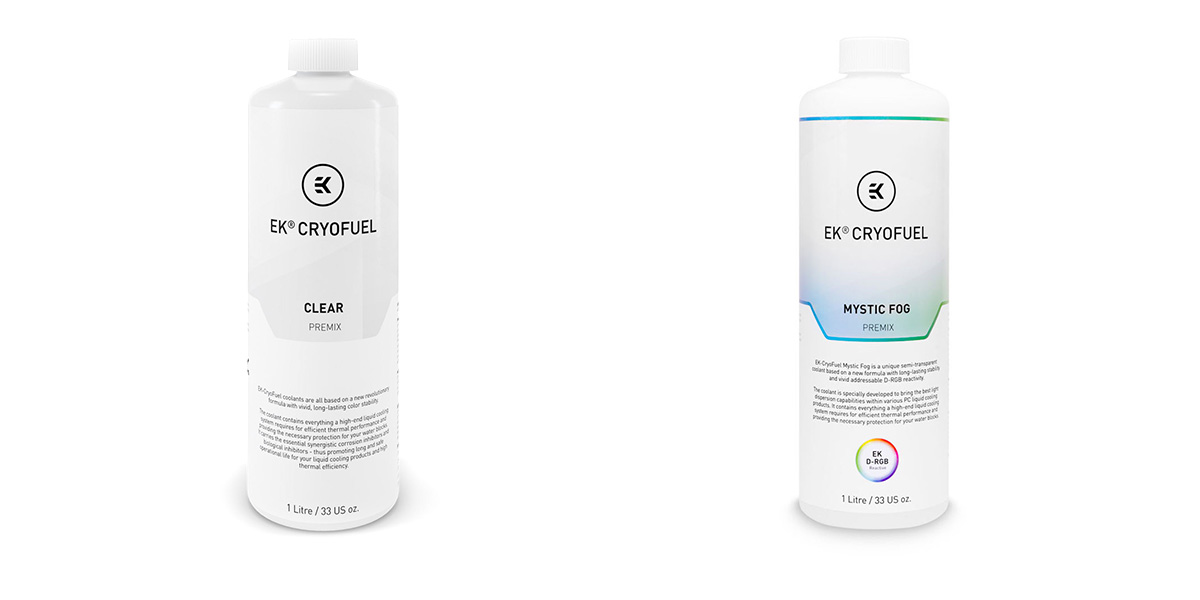
Opaque coolants like EK-CryoFuel Solid and EK-CryoFuel Mystic Fog look incredible, but they contain suspended particles and require more frequent maintenance. These are best saved for later builds.

Prep Your Custom-Loop BEFORE filling

When assembling your custom-loop, you will need to flush your radiator before filling your custom-loop with your coolant, you can either do this with distilled water – or with our EK-CryoFuel Loop Cleaner. All custom-loop radiators will need a quick flush before use just to ensure there is no hidden debris, this will ensure your blocks stay ultra-clean.

Fans  

If you’re upgrading from an existing cooling solution, you can often reuse your current 120 mm case fans. Alternatively, fans designed specifically for liquid cooling, such as EK-Quantum Phase 120 mm, offer high static pressure and low noise output, making them ideal for radiator use.

✅Checklist: Your First Custom Loop

If you’re building your first custom loop, this is all you need to get started:

  • CPU water block
  • 360 mm radiator (check case compatibility)
  • D5 pump & reservoir combo
  • 12/16 mm soft tubing
  • 6× EK-Quantum Torque STC 12/16 mm fittings
  • 2× EK-Quantum Torque Rotary 90° fittings
  • Clear premixed coolant

If your build matches this list, you’re starting in the safest, most beginner-friendly way possible.

Ready to Start Your First Custom Loop?

clean-custom-loop-gaming-pc-build.jpg

If you’re ready to take the next step, you can start with a simple CPU-only custom loop and expand later as your confidence grows. Custom liquid cooling doesn’t need to be complicated — start simple, enjoy the process, and upgrade when you’re ready.

FAQ: Custom Liquid Cooling for Beginners

Is custom liquid cooling better than an AIO?
Custom liquid cooling offers more flexibility, lower noise potential, and better cooling headroom than most AIOs, but it requires more planning. For beginners, starting with a CPU-only custom loop is a safe middle ground.

Is custom liquid cooling hard to maintain?
Not if you keep it simple. Using soft tubing and clear premixed coolant minimizes maintenance and makes upkeep very manageable for first-time users.

How often do I need to change coolant?
Clear premixed coolant is typically changed every 12 months. Opaque or pastel coolants may require more frequent changes.

Can I add a GPU later?
Yes. One of the biggest advantages of a custom loop is that it’s fully upgradeable. Many builders start with CPU cooling and add a GPU water block later.


A CPU custom-loop built on a motherboard, to showcase a complete CPU custom loop.

Best Custom Loop Kits for Beginners: Build Your First EK Loop for $500

A CPU cstuom-loop built on a motherboard, to showcase a complete CPU custom loop.

If you’re ready to build your first custom loop and want the simplest path forward, this guide focuses purely on what to buy and how much it costs. No theory, no deep dives — just a beginner-friendly EK custom loop you can build for  $500.

If you’re completely new to custom liquid cooling and want a deeper explanation of how custom loops work and what each component does, we’ve already covered that in our Beginner’s Guide to Custom Liquid Cooling. This guide is designed to get you from “I’m interested” to “I know exactly what to buy” as quickly as possible.

This is a CPU-only, soft-tube custom loop kit designed as the simplest entry point for beginners, with full upgrade potential later. 

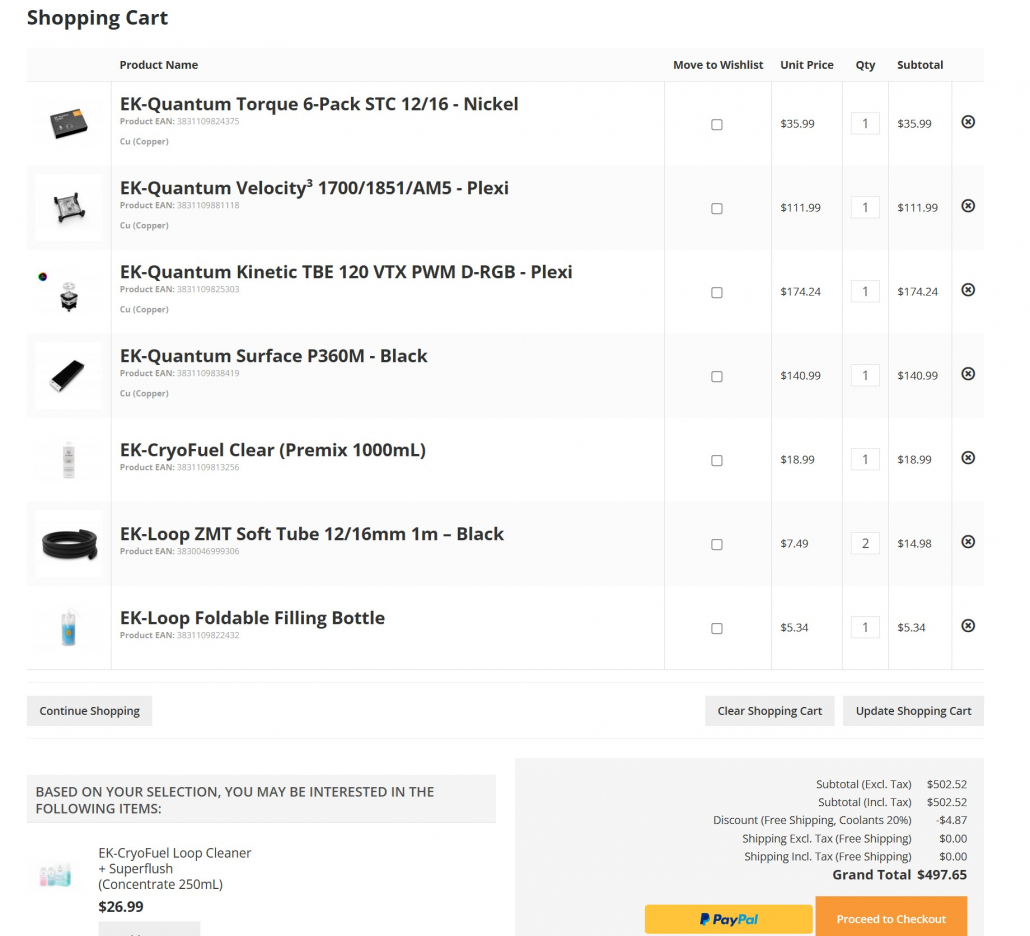
Recommended Beginner Custom Loop Basket

This is the exact configuration we recommend for first-time builders. It’s easy to assemble, widely compatible with ATX cases, and leaves room to expand later.

Custom loop Gaming PC with a liquid-cooled CPU

Build this CPU custom-loop for under $500.

Parts List

OR

Total: $497.65

+ FREE US Shipping at Checkout 

Optional Add-Ons

(you can use your existing 120mm case fans instead of buying new ones) 

$499 EK Basket with everything you need for CPU custom loop

Optional Upgrade:

EK-Quantum Kenetic FLT D5 Pump

EK-Quantum Kinetic pump res combo unit installed into a Gaming PC.

If you want a more premium finish, you can upgrade from the larger circular TBE VTX to the flat EK-Quantum Kinetic FLT D5. It mounts in any standard fan slot, uses a quieter and more powerful D5 pump, offers cleaner front and rear port routing, and costs only slightly more for a better long-term build.

Shown here: the EK-Quantum Kinetic FLT D5 pump & reservoir combo, filled with blue coolant, is mounted cleanly in a fan position with front-facing ports for tidy tube routing.

Quick Checklist: Your First Custom Loop

If you have everything below, you’re ready to build:

✅ CPU water block
✅ 360 mm radiator (check case compatibility)
✅ Pump & reservoir combo (D5 preferred)
✅ 12/16 mm soft tubing
✅ 6 × soft-tube compression fittings
✅ 2 × 90-degree rotary fittings
✅ Clear premixed coolant

Ready to Build Your First Custom Loop?

This configuration is the fastest, safest way to start custom liquid cooling with EK. Start with a simple CPU-only loop, build confidence, and expand when you’re ready.

FAQ: Beginner Custom Loop Kits

Is this custom loop safe for first-time builders?
Yes. This configuration uses soft tubing and a CPU-only loop, making it the safest and simplest way to start custom liquid cooling.

Do I need any additional parts or tools?

No special tools are required to build this soft-tube custom loop.

You’ll only need basic items most PC builders already have, such as a screwdriver and scissors for cutting tubing. The pump connects via standard SATA power, and radiator fans connect to motherboard fan headers.

If your motherboard has limited fan headers, a simple PWM splitter may be useful, but it isn’t required for most builds.

Can I upgrade this loop later?
Yes. This loop is fully upgradeable, allowing you to add a GPU water block, additional radiators, or switch to hard tubing later.

EK Introduces the “EK-Care Package” Service for a Carefree Shopping Experience

Online purchases can be a tricky endeavor. From the moment you order your desired product and by the time it gets delivered, there are numerous moving parts at play. And if one thing goes wrong, you may end up without your cool new liquid cooling toy that you wanted so badly.

EK Tree on a PC

Happy holidays from EK! We want to help you get into the spirit by offering a little DIY gift. While it might not be as complicated as installing your own custom loop, this crafting project is sure to brighten your build!

Best EK-Pro liquid cooling for the Intel® Xeon® W-3300 processors

EK-Pro CPU WB 4189 water block paired with the latest Intel Xeon W-3300 processor and Gigabyte server motherboard for maximum performance and lowest temperatures around.

How To Choose the Right AIO Cooler?

Are you thinking about buying an all-in-one CPU cooler but are unsure which will properly cool your hardware, make it look good, and fit your case nicely? Look no further, we have all the answers you need.

Overclock Your PC with an EK-AIO

No matter if you are into overclocking or just high performance processors and want lower temps, watercooling is your answer! But this time around, we will focus on how you can actually keep your temperatures as low as possible, and squeeze the best performance out of your processor while overclocking to 5GHz or more with the help of our all-in-one cooling solution!

PC Cooling: Liquid vs. Air

Why is liquid cooling better than air cooling? Should you liquid cool your PC or should you stick to air cooling? Questions like these might pop into your head sooner or later, so lets find out what are main advantages of liquid cooling.

Why-to-change-coolant-in-pc-water-cooling

Why Is Regular Coolant Maintenance So Important?

Coolant is a vital part of any liquid cooling system – just like oil is in your car’s internal combustion engine. And just like engine oil, the coolant needs to be changed regularly to keep your liquid-cooled PC in top shape. There are 5  crucial functions that the coolant performs in liquid cooling loops.

Blog - Why to change a PC coolant - Liquid cooling loops

Transfers Heat

The first one is, of course, to transfer heat from the heat source to the radiator, where it’s cooled to the ambient temperature. This happens very rapidly and efficiently, but this is not the point of this blog post. You are reading this because you already know that liquid cooling is a superior way of cooling your high-end PC. But you still need to do a little bit of regular coolant maintenance.

Blog - Why to change a PC coolant - Liquid cooling loops

Protects from Corrosion

Purpose-made coolants, like our EK-CryoFuel, contain different components to perform their many functions. One of them is the corrosion inhibitor, which prevents metal components from degrading through the process of corrosion. But this inhibitor is constantly consumed in the process of performing its task. The more metals there are in the system, the higher the electrical potential is, and the more the corrosion inhibitor gets used. If there is not enough inhibitor substance in the coolant, corrosion may occur on the loop’s exposed metal components.

Blog - Why to change a PC coolant - Liquid cooling loops


Prevents Biological Growth

Where there is water, there is life. Yep, even coolants are not safe from biological growth if not well-maintained. This is why top coolants also contain biological-growth inhibitors or biocides, which prevent microorganisms from growing inside the tubing and other liquid cooling components. By inhibiting biological growth like algae, they also prevent the appearance of unpleasant odors, discoloration, and clogging of the cooling channels. We are yet to meet a liquid cooling enthusiast who would want such things living and blooming in their loop.

Blog - Why to change a PC coolant - Liquid cooling loops

Lubricates the Pump

Rotating components of liquid cooling systems, namely the pump motor, work hard to keep the system cool. Coolants lubricate them, but just like engine oil, they lose their lubrication power with time, which increases the possibilities of wear and defects.

Blog - Why to change a PC coolant - Liquid cooling loops

Brings Next-Level Aesthetics To Cooling Loops

Most of our customers who use colored coolants use them for aesthetics purposes. We all know how much pleasure an aesthetically complete build brings, especially when filled with EK-CryoFuel Solid coolants. Solid coolants are particulate-based coolants, and as the coolant’s ability to fight corrosion and biological growth diminishes over time, coolant fallout is also more likely to occur.

Blog - Why to change a coolant (5)

An Additional Reason To Maintain Your Loop: Coolant Evaporation

The coolant slowly evaporates through the tubing as it is exposed to heat. This phenomenon is the most prominent with clear soft tubing, where a noticeable drop of coolant level can be observed with time. Builds based on hard tubing don’t suffer from this issue, or the evaporation is negligible. Don’t forget: If you don’t have any leftover coolant, you should never top it off with pure distilled water since it will further weaken the coolant’s effectiveness.

When To Change the Coolant?

The coolant needs to be regularly changed to preserve its functionalities, like preventing corrosion, biological growth, and excessive wear on pumps. In the long run, purpose-made coolants also improve the performance, aesthetics, and lifespan of all liquid cooling components.

Blog - Why to change a PC coolant - Liquid cooling loops

How often do you need to change the coolant then?

We recommend changing the coolant at least once per year to maintain its vivid color and basic functions discussed above. This doesn’t apply to certain special coolants. The unique, semi-transparent EK-CryoFuel Mystic Fog also contains UV reactive substances which can fade faster. For optimal visual performance, the recommended maintenance period is thus 6 months.

But even if not replaced every 6 months, the EK-CryoFuel Mystic Fog coolant will still perform its essential functions of protecting your loop for a full year. Similar goes for all coolants that contain UV additives, but the period when the UV reactivity fades varies based on the type and color of the coolant.

Blog - Why to change a coolant, EK Cryofuel coolants for custom loop PCs

Visit the EK Online Shop to find the best coolant for your liquid cooling system


So, What’s the Main Takeaway Here?

The use of high-quality, purpose-made coolants with regular maintenance decreases unnecessary additional costs. By replacing your coolant as recommended, you can avoid downtime and damage to your liquid cooling loop, just like regularly replacing the oil in your car will keep things running smoothly for a long, long time.