AIR COOLING vs LIQUID COOLING FOR GAMING PCS (2026)
If you’re planning a new gaming PC or upgrading an existing one, choosing between air coolers, AIOs, and custom loops can quickly get complicated. They all promise better temperatures, quieter operation, and improved performance.
In reality, the right choice usually comes down to your hardware, your budget, and how much you care about performance versus aesthetics. A mid-range system doesn’t need the same cooling approach as a high-end build, and spending more isn’t always necessary.
This guide compares air cooling, AIO liquid cooling, and custom liquid cooling in a practical, beginner-friendly way — helping you choose the right solution without overcomplicating your build.
Gaming PC Cooling Options Explained
Modern gaming PCs are typically cooled using air cooling, AIO liquid cooling, or custom liquid cooling. Each approach is designed for different hardware levels, budgets, and priorities — from simple, affordable builds to high-end systems focused on quiet, sustained performance.
Understanding the differences makes it much easier to choose the right solution for your setup.
Quick Answer: Which Cooling Option Is Best?
Air cooling, AIO liquid cooling, and custom liquid cooling each suit different gaming PC builds.
Air cooling works best for budget or mid-range systems, AIOs offer improved CPU temperatures with minimal setup, and custom liquid cooling delivers the quietest operation and best sustained performance for high-end hardware.
The right choice depends on your components, budget, and whether you prioritize simplicity, noise reduction, or long-term flexibility.
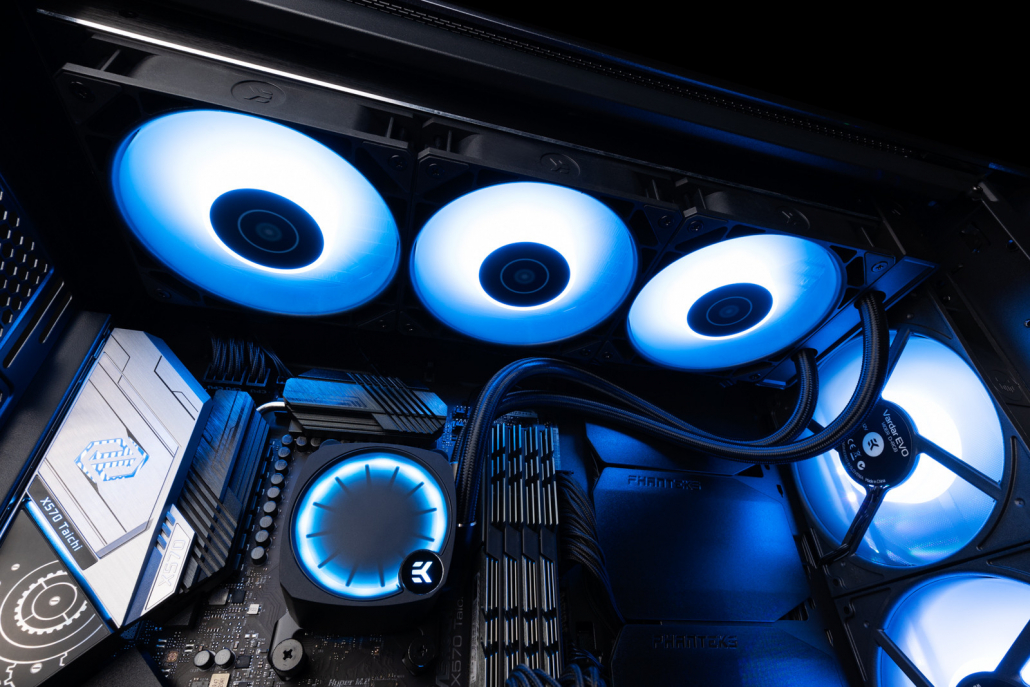
Air Cooling vs AIO vs Custom Liquid Cooling: Key Differences
For most US gaming PC builds, the differences between air cooling, AIOs, and custom liquid cooling show up quickly in everyday use. In typical mid-tower ATX cases — by far the most common setup in the US — airflow and fan noise usually become noticeable long before temperatures reach unsafe levels.
Air cooling is reliable and cost-effective, but gets louder as hardware power increases. AIO liquid coolers improve CPU temperatures with minimal setup, but remain CPU-only and fixed in performance. Custom liquid cooling goes further, focusing on sustained performance, lower noise, and flexibility — especially for high-end systems that spend hours under gaming load.
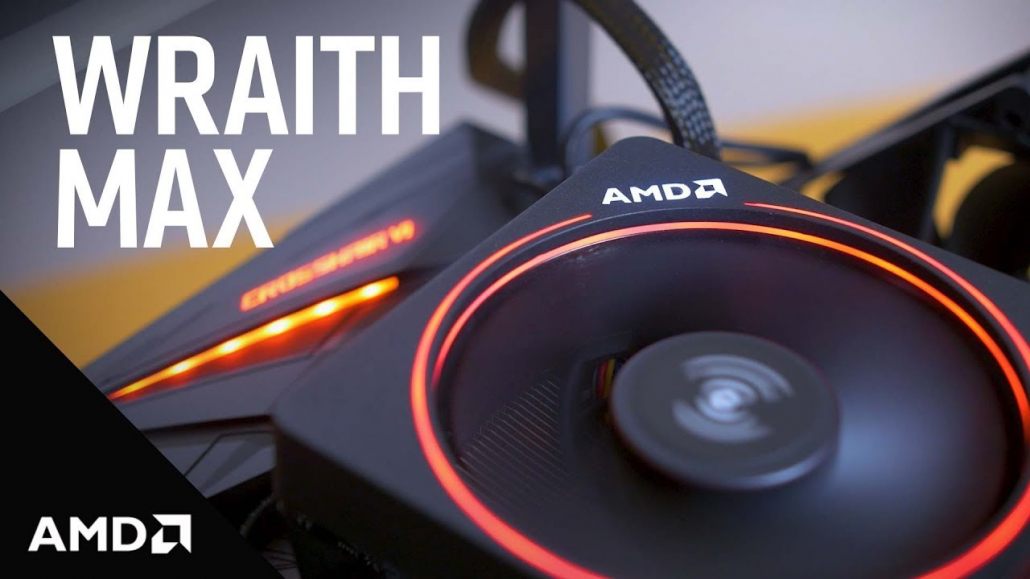
Air Cooling: Fine for Simpler Builds
Air cooling remains a solid option for budget and mid-range gaming PCs. It’s affordable, reliable, and easy to install, making it a good fit for CPUs running at stock settings.
As power draw increases, fans tend to ramp up quickly and temperature gains flatten out. There’s also no way to address GPU noise, which is often the loudest part of a gaming PC.
For many builders, air cooling works — until it doesn’t.
AIO Liquid Cooling: Better, but Fixed
AIO liquid coolers are a common step up from air cooling. By moving heat to a radiator mounted elsewhere in the case, they usually deliver better peak CPU temperatures and a cleaner internal layout.
Installation is straightforward, and ongoing maintenance is minimal.
The trade-off is flexibility. AIOs are sealed, CPU-only systems with fixed radiator sizes and small integrated pumps. During longer gaming sessions, performance tends to level off, and there’s no upgrade path beyond full replacement.
We regularly see builders start with air cooling or an AIO, then look for alternatives once GPU noise or sustained temperatures become limiting factors.
This is typically where custom liquid cooling enters the conversation.
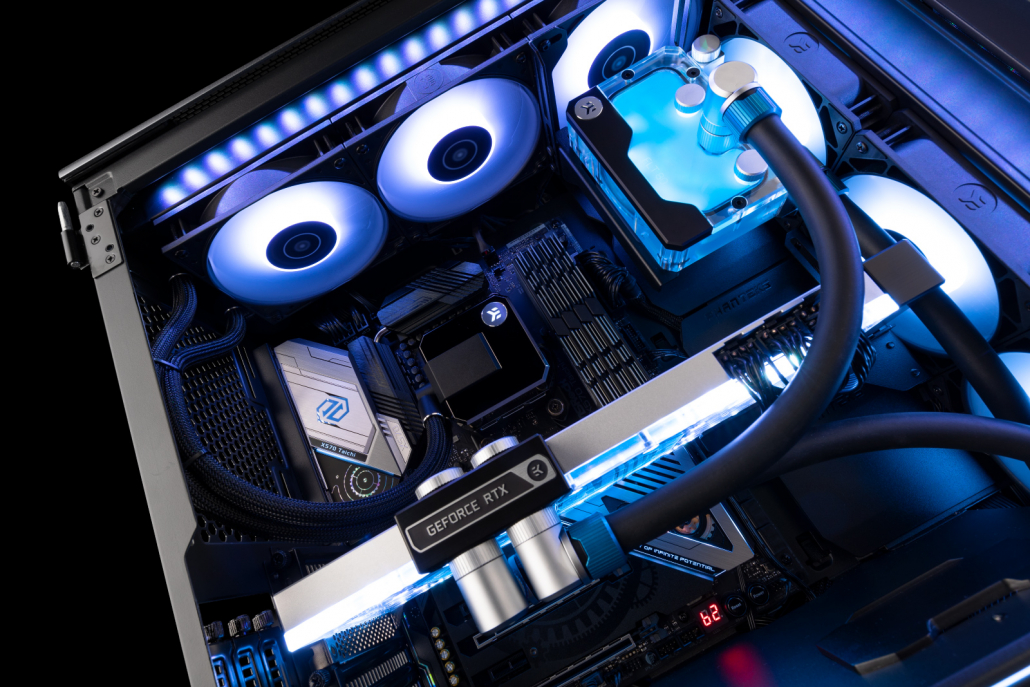
Custom Liquid Cooling: Built to Scale
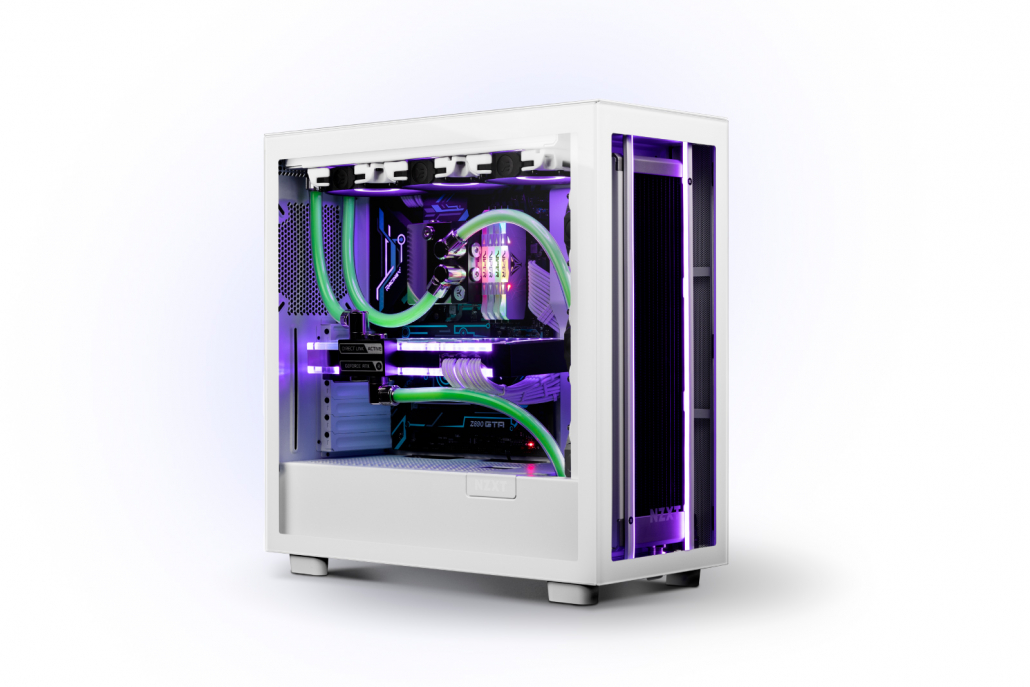
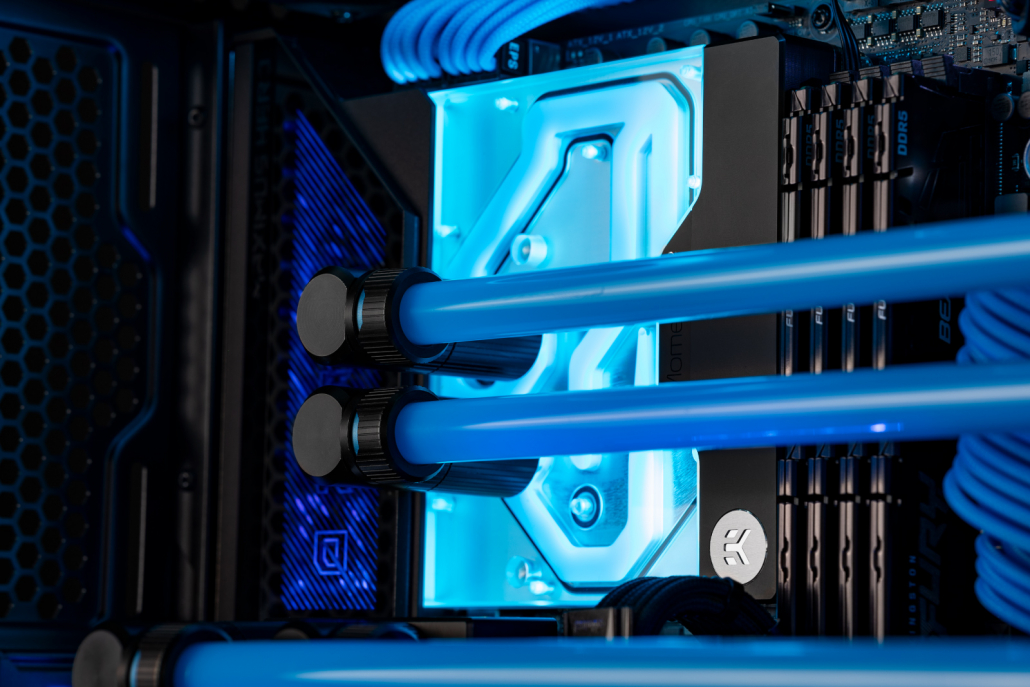
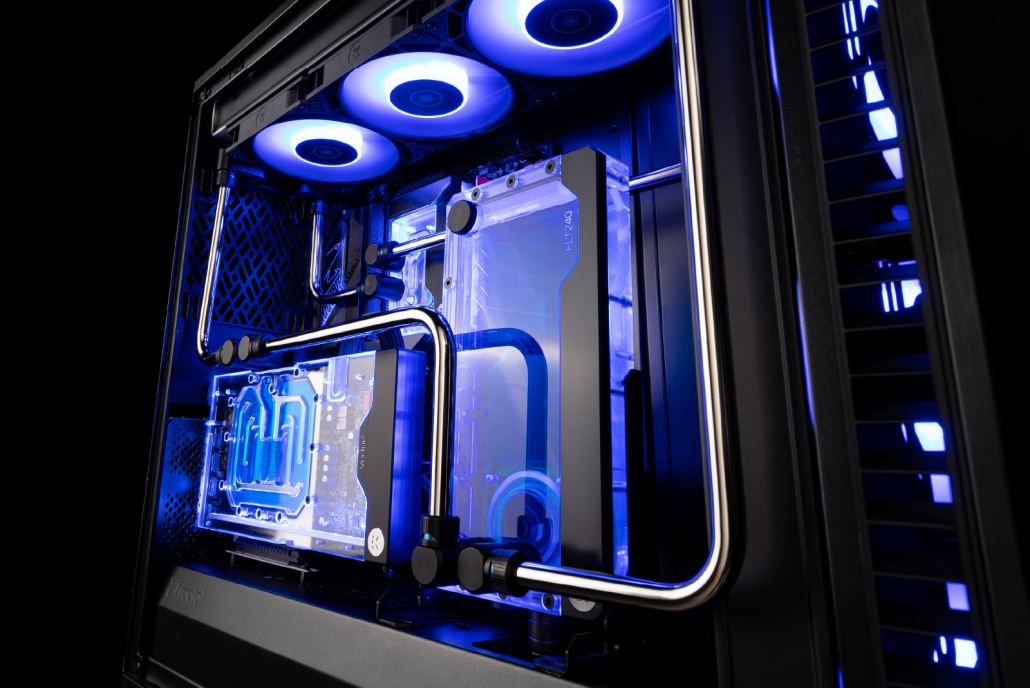
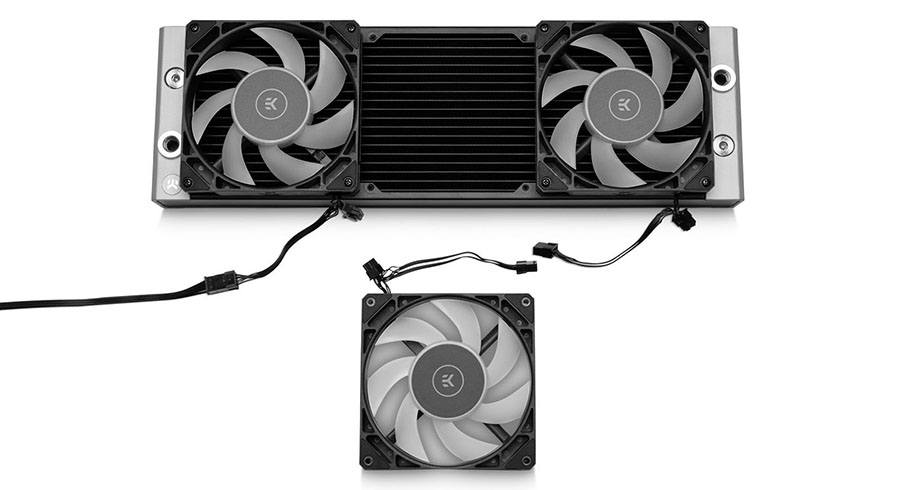
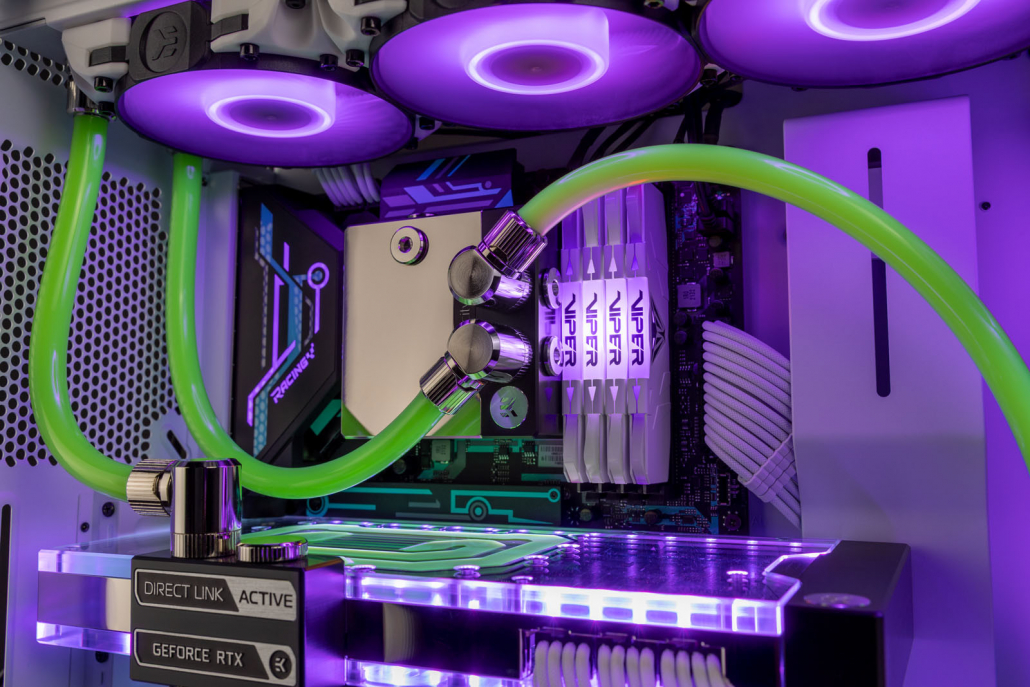
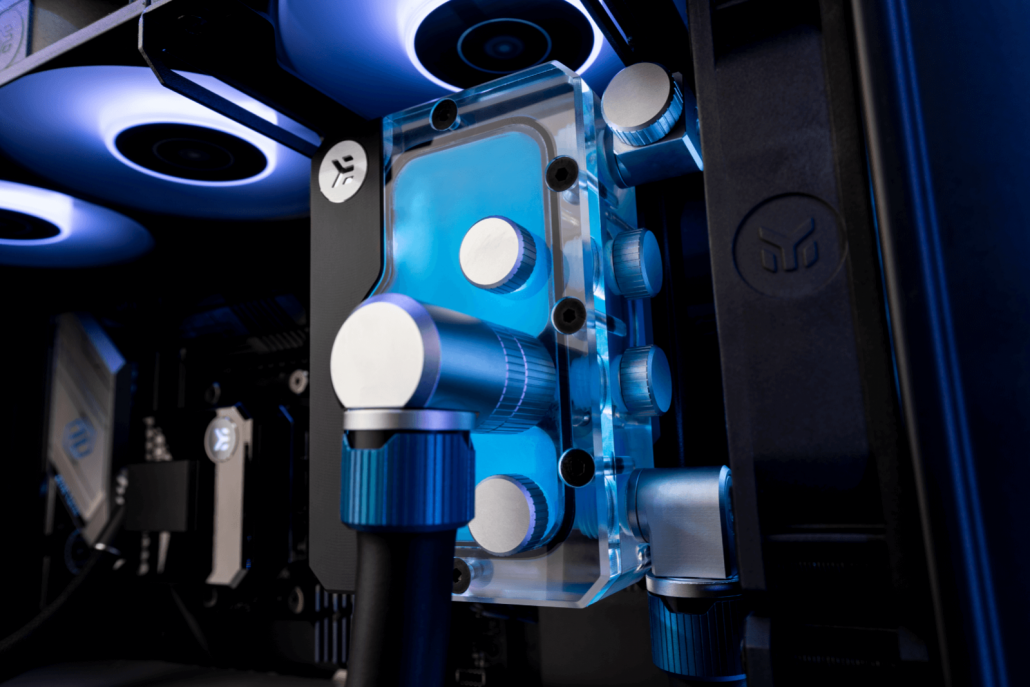
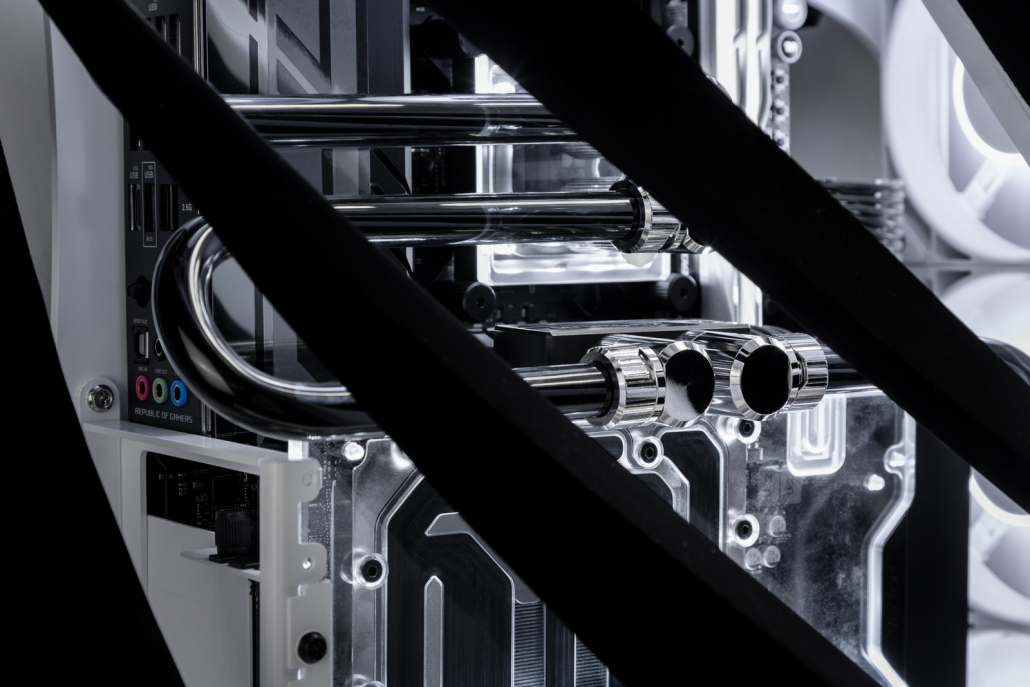
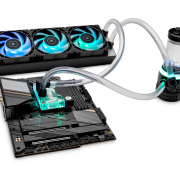
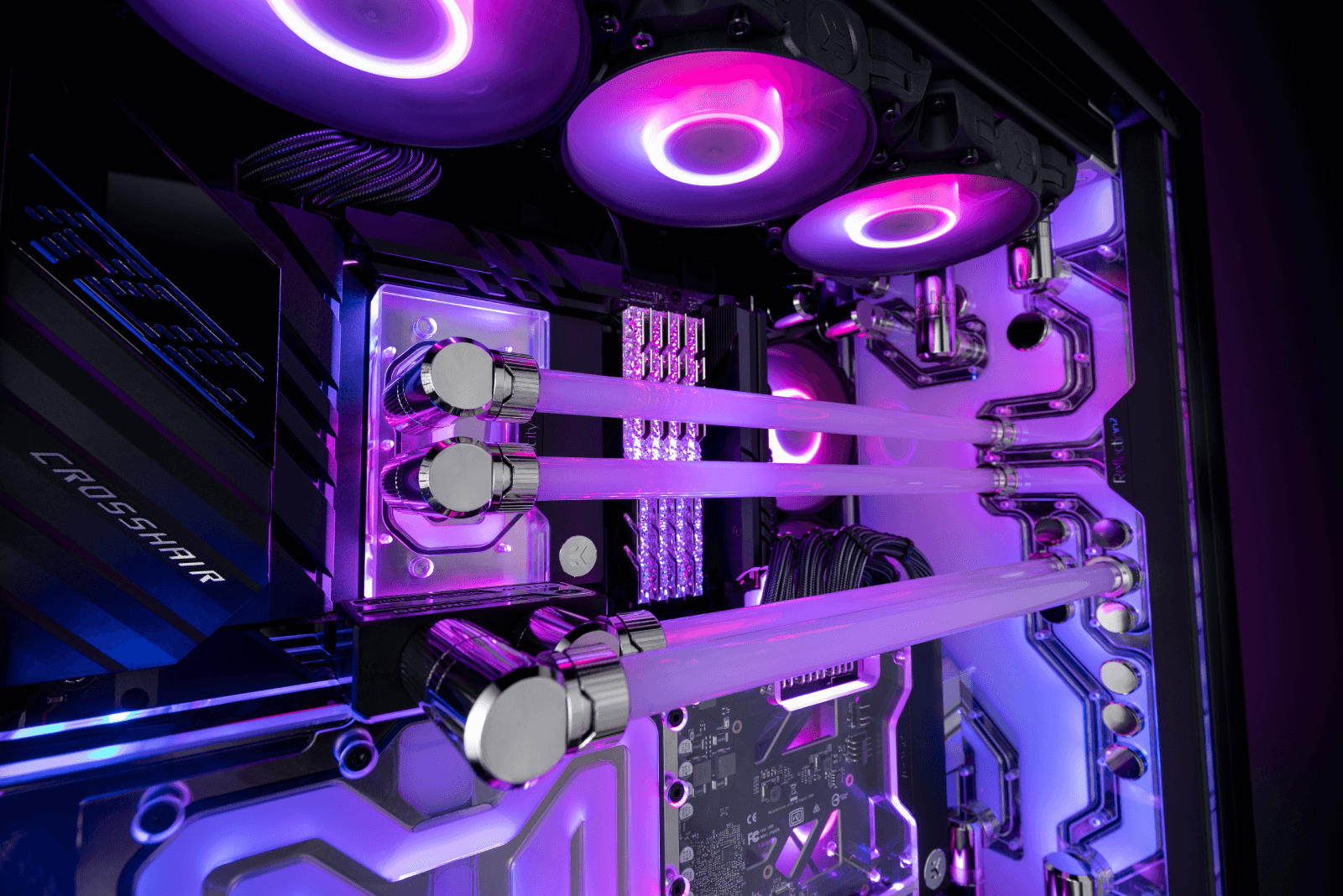
Custom liquid cooling removes the constraints of sealed designs. Instead of relying on a single unit, you build a loop from individual components — water blocks, a dedicated pump and reservoir, radiators, tubing, and coolant — chosen to match your hardware and goals.
The biggest advantage is how well custom loops handle sustained performance. Larger radiators dissipate heat more efficiently, higher coolant volume helps stabilize temperatures, and full-size pumps maintain consistent flow without running loudly.
In practice, custom loops shine during longer gaming sessions, where temperatures and noise remain stable instead of ramping up over time.
Custom loops also extend cooling beyond the CPU. Adding a GPU water block removes small, high-RPM fans entirely, which is why fully liquid-cooled systems are often dramatically quieter than air- or AIO-cooled builds.
Brands like EK design custom cooling components specifically for sustained gaming loads, not just short benchmark runs.
Custom liquid cooling removes the constraints of sealed designs. Instead of relying on a single unit, you build a loop from individual components — water blocks, a dedicated pump and reservoir, radiators, tubing, and coolant. (If you’re new to the concept, our beginner guide explains what custom liquid cooling is and how it works.)
Not as Complicated as It Sounds
Custom liquid cooling has a reputation for being difficult, but modern components make it far more approachable than many first-time builders expect.
Soft tubing installs very similarly to an AIO, and starting with a simple CPU-only loop keeps complexity low.
Just as importantly, custom loops are modular. Pumps, radiators, and fittings can be reused as hardware changes, making a custom loop a long-term system rather than a disposable upgrade.
Is Custom Liquid Cooling Right for You?
Custom liquid cooling starts to make sense if:
-
You’re running high-end CPU or GPU hardware
-
Your PC is louder than you’d like during gaming
-
You care about clean aesthetics and customization
-
You want a cooling setup that can grow with future upgrades
If none of these apply, air cooling or an AIO may still be the right choice — and that’s perfectly fine.

FAQ: Gaming PC Cooling in 2026
Is air cooling enough for gaming PCs?
Yes. Air cooling is sufficient for many gaming PCs, especially mid-range systems running at stock settings. It’s reliable and affordable, but can become noisy or less effective with higher-end hardware.
Is an AIO better than air cooling?
An AIO typically offers better peak CPU temperatures and a cleaner internal layout than air cooling. However, AIOs are still limited to CPU cooling and have fixed performance ceilings.
Is custom liquid cooling worth it for gaming?
Custom liquid cooling is worth it for gamers using high-end CPUs or GPUs, or for anyone who wants quieter operation and consistent performance during long gaming sessions.
Is custom liquid cooling hard for beginners?
Not necessarily. Starting with a CPU-only loop using soft tubing installs similarly to an AIO and can be expanded later as confidence grows.
Can you upgrade from an AIO to custom liquid cooling?
Yes. Many builders start with an AIO and later move to custom liquid cooling when upgrading hardware or looking for quieter operation. Core components can often be reused.
Want a Simple Starting Point?
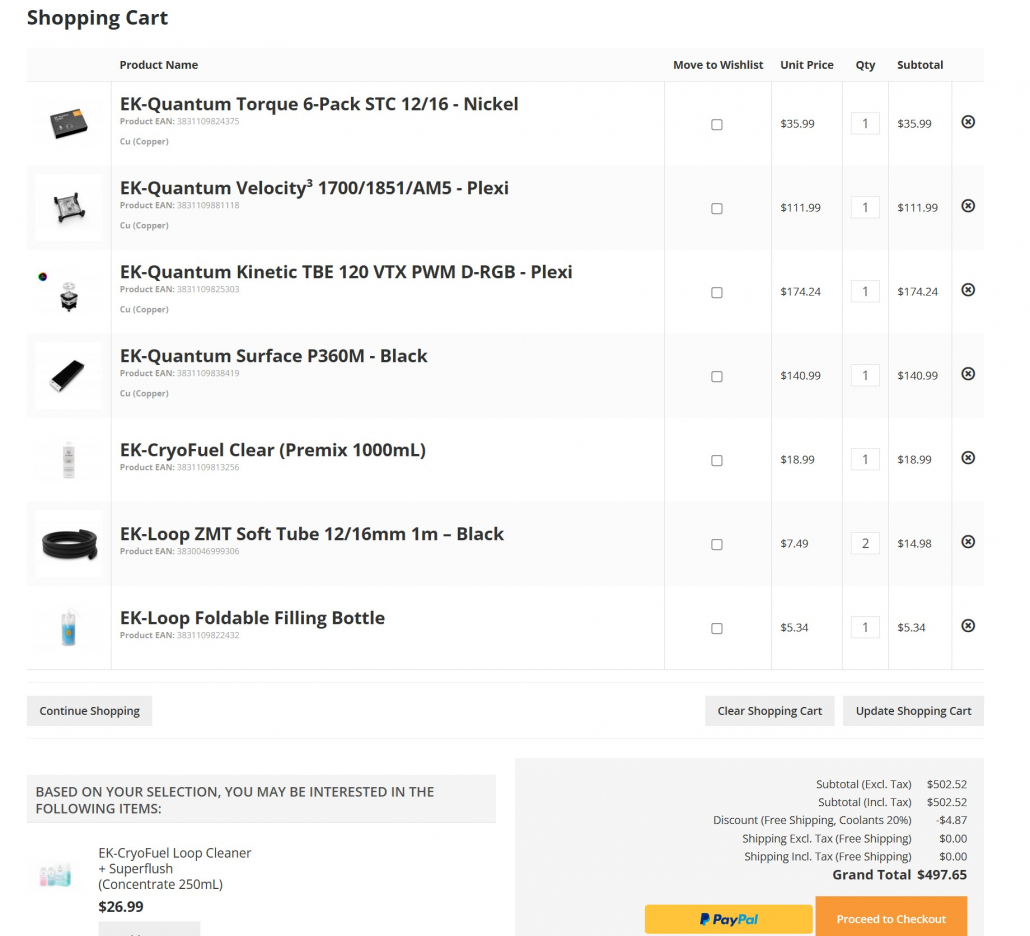
If you’re curious about custom liquid cooling but want to keep things simple, a CPU-only loop is the easiest place to start. It installs much like an AIO, keeps costs under control, and leaves plenty of room to upgrade later.
Our $500 beginner custom liquid cooling guide shows exactly how to build a first loop using reliable EK components — step by step, without overcomplicating things.
Final Thoughts
Air cooling and AIOs both have a place in modern gaming PCs, especially for simpler builds. But as hardware power continues to rise, custom liquid cooling offers a level of control that sealed solutions can’t match.
You don’t need to start big. A basic CPU-only custom loop is often the easiest way to experience quieter gaming, stable performance, and a system that’s ready to evolve when you are.